CookiTools · For VRChat PC avatars
Real Sweat System
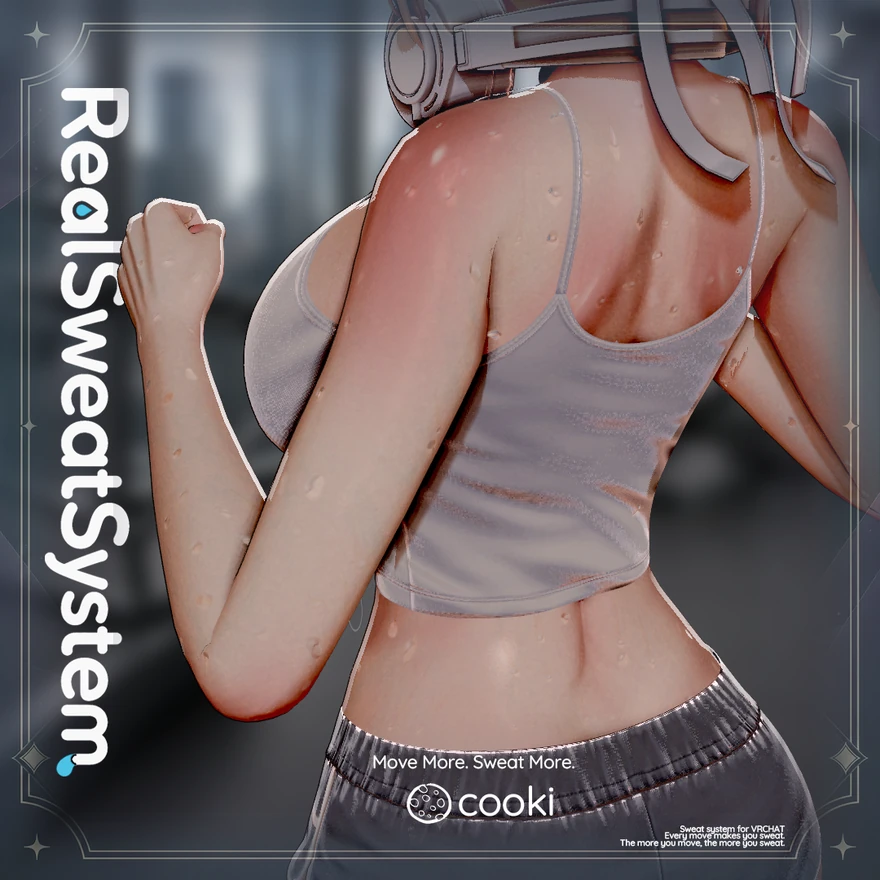
Adds real-time sweat effects to PC VRChat avatars. Set Sweat % directly from the radial menu, or use Auto Mode to build sweat from body movement and let it dry gradually after movement stops.
First install
- Check the project
Open the Unity project with your VRChat avatar, and confirm that Modular Avatar is installed and the Console has no compile errors. Back up the avatar first.
- Import the package
Import the UnityPackage for the product you bought: Base Module, Effects Module, or both. When you use both, keep them on the same version.
- Activate your purchase
Open CookiTools → RealSweatSystem → Purchase Activation and enter your BOOTH order number, or your Gumroad license key if you bought on Gumroad. Once per PC is enough. An upload from a PC that is not activated leaves this tool's effects out.
- Install in Setup
Open CookiTools → RealSweatSystem → Setup/Uninstall, select the avatar and press [Install / Update].
- Test in Play Mode
Turn Sweat Display on, turn Auto Mode off for a moment, and move Sweat % from 0% to 100%. Before the final upload, check with VRChat Build & Test.
Requirements
- Editor
- Windows only. Purchase activation works only on Windows.
- Unity
- 2022.3 (VRChat avatar project)
- VRChat SDK
- Avatars SDK 3.10.3 or later (checked up to 3.10.6)
- Modular Avatar
- Required. Install it from VCC.
- Platform
- PC avatar using Direct3D 11. Quest standalone is not supported.
- Auto Mode
- Available on Humanoid avatars. Other avatars can still use Manual Mode.